The original drawing still leads
The comparison should show that AI improves clarity, lighting, and materiality without changing the project.
 SketchUp active
Preferences
Examples library
This page exists so visitors can quickly see what ArchScene delivers: turning images and scenes into presentation material without erasing the architect's original solution.
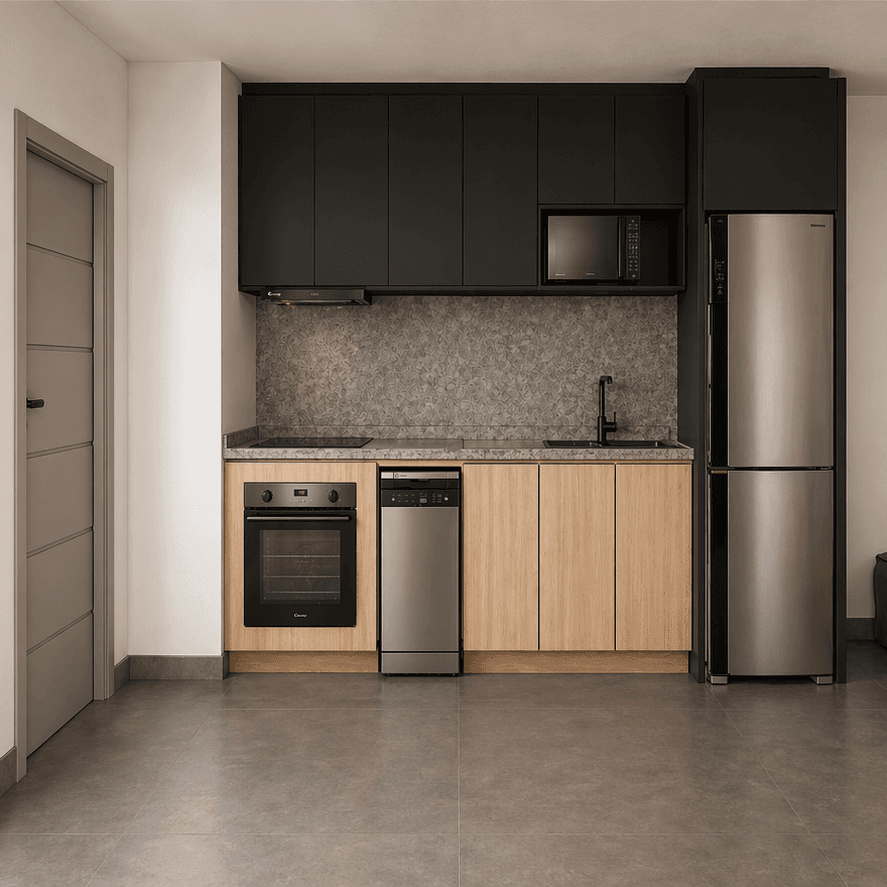
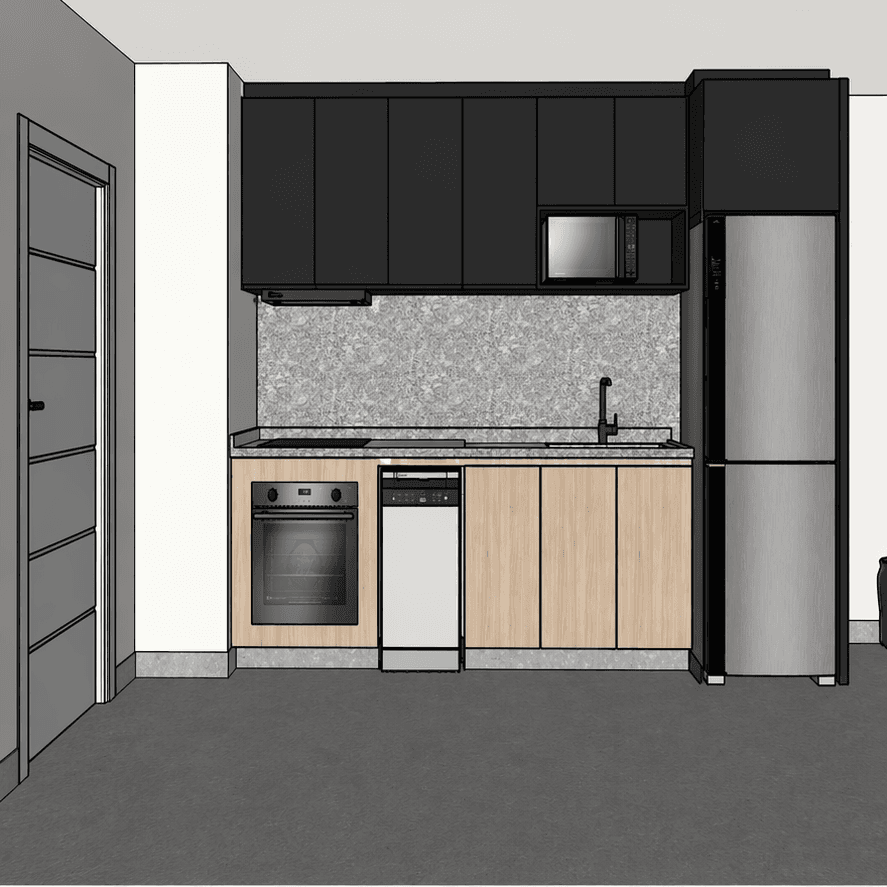
Preserved
layout, proportions, millwork, openings, countertop and position of the main elements.
Improved
materials, lighting, texture, atmosphere and presentation quality.
The comparison should show that AI improves clarity, lighting, and materiality without changing the project.
Every scene can flow into playlists, renders, audits, and the project history.
Clients understand a room better when the technical drawing turns into a scene with commercial intent.
Test with your project
The library should not be the end of the visit. Pick a similar space, upload one real scene and compare whether ArchScene preserves the project before you scale the batch.
Use a JPG, PNG, WebP or SketchUp scene where layout, openings and main furniture are easy to read.
Compare proportions, millwork, countertop, openings and camera before approving the result.
Once the first render keeps fidelity, move the rest of the project into gallery, playlists and client delivery.
Modern render paths
The strongest AI render tools now sell a workflow, not one isolated image. ArchScene keeps that promise practical: one faithful test, then controlled edits, social delivery and motion only when the still image already works.
First scene playbooks
A strong first test is not random. Choose one route, upload one image and judge fidelity by the project constraints that matter to an architect.
Choose the safest first test
Coverage roadmap
The current library proves the core before/after. The next coverage should help architects test trickier rooms before committing a full batch.
Live now
8 examples
Interiors, balconies and outdoor scenes already show fidelity, risk and cost.
Next gaps
6 routes
Facade, bathroom, commercial, night, clay and social proof become the next useful checks.
Your input
1 clear scene
Bring one technical image or camera view and start with the safest first test.
Repeatable workflow
Use a small proof loop before scaling: one difficult scene, one faithful render, one controlled edit and one shareable winner.
Start with the room that has the clearest geometry, material and client decision risk.
Approve the still image only when proportions, openings and joinery stay aligned.
Adjust light, crop or finish without turning the project into a different proposal.
Save the best before/after to gallery, portfolio or social review before starting another route.
After the first render
Once the base render is faithful, the next sale is control: adjust light, material reading or social framing while keeping the original proposal visible.
Cost rule1 credit per confirmed edit, shown before running. No automatic batch spend.
Fidelity guardUse the locked original as the judge: camera, layout, openings, joinery and key materials must still match.
Choose the render that already preserves geometry, proportions and the client decision.
Baseline stays visible
Try warmer light, cleaner crop or one material direction instead of asking for a new project.
Human approval first
Keep the approved result in gallery, playlist or social review before testing another variation.
No hidden autopost
Visual product demos
Drag each image to compare. These are product demos: the goal is to show a perception lift, not invent a different building.
All examples
Browse the full library and compare different spaces before choosing a workflow.
8 examples shown
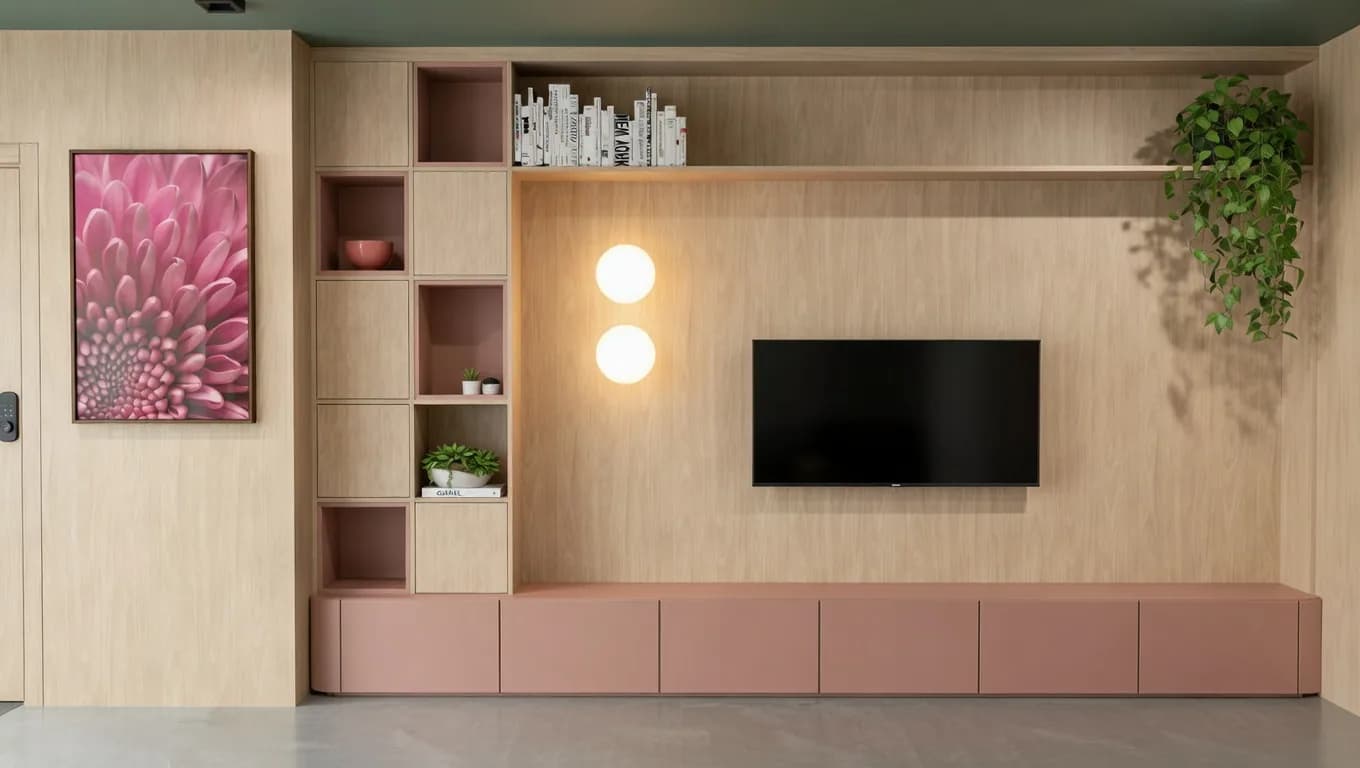
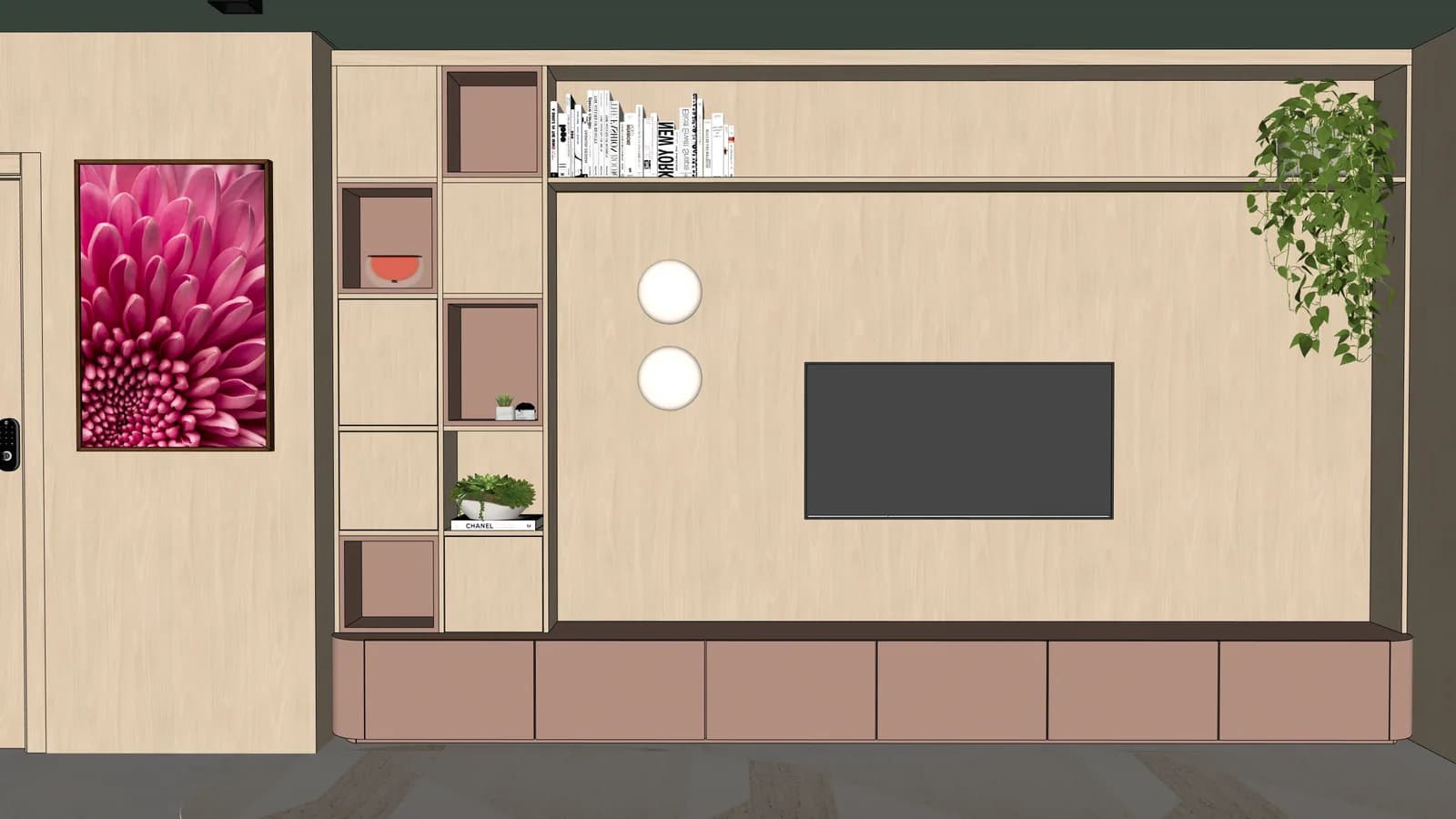
joinery, color and lighting become easier to read
Proof to look for
Shows whether a client-facing render can preserve panel rhythm, shelving and the original room proportions.
drag to reveal
Try a similar scene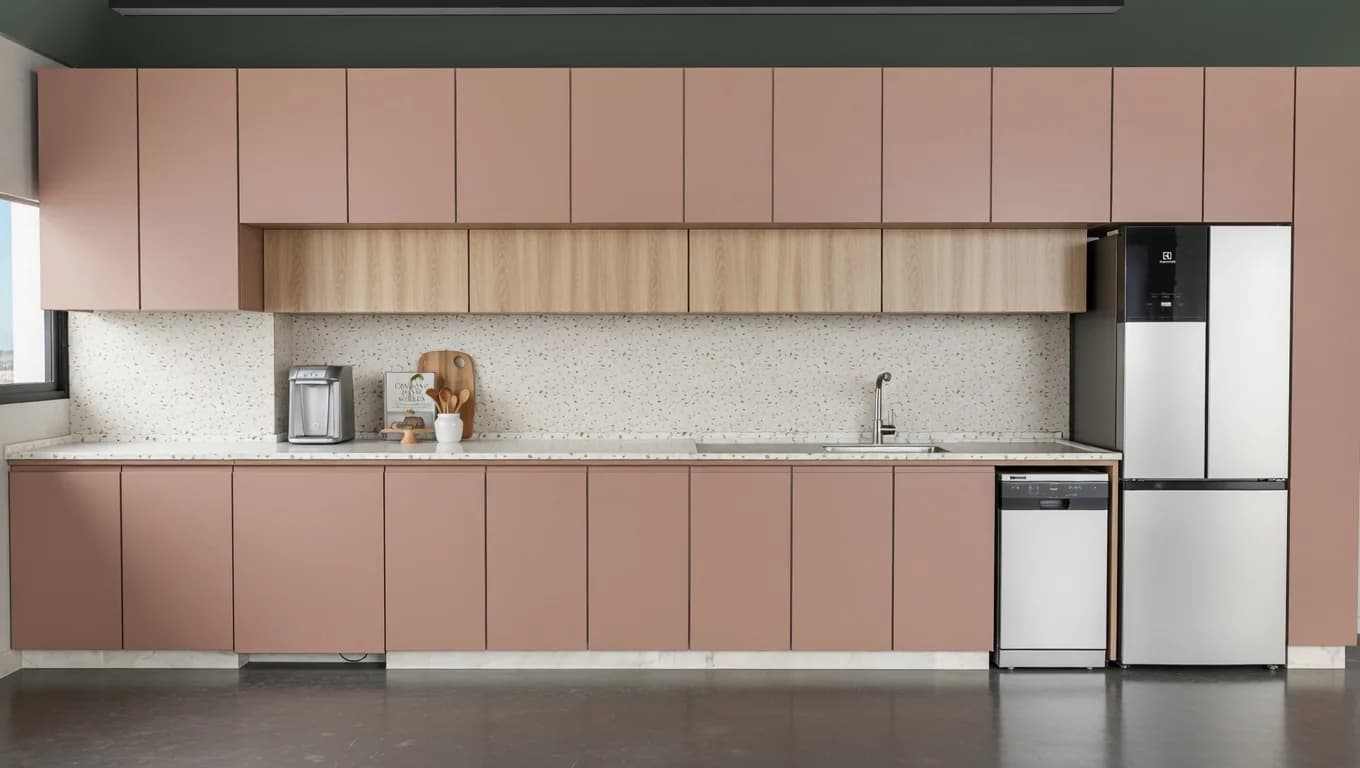
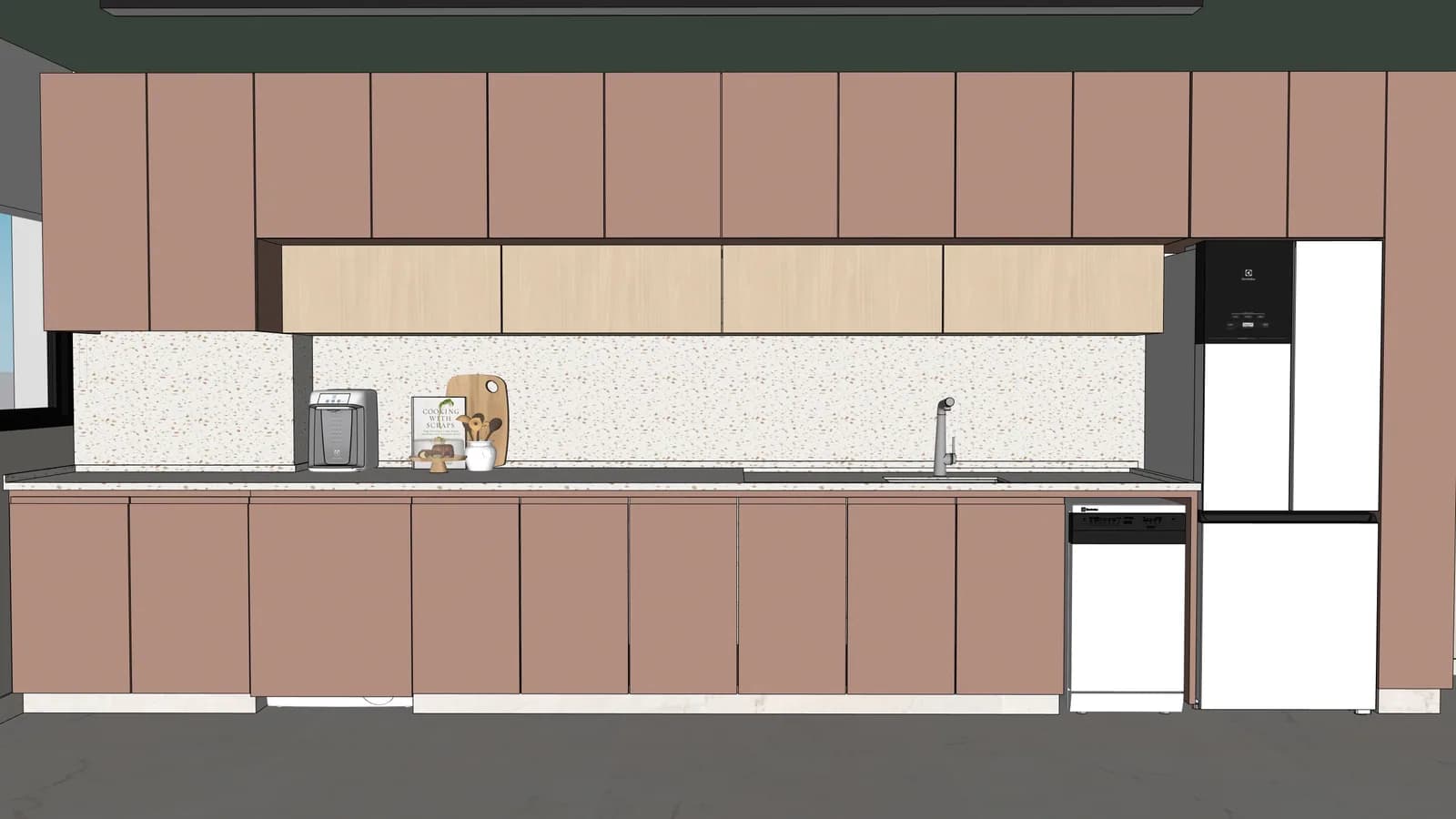
finishes gain texture without changing the design
Proof to look for
Useful for validating cabinet fronts, appliances and backsplash continuity before sending a kitchen to a client.
drag to reveal
Try a similar scene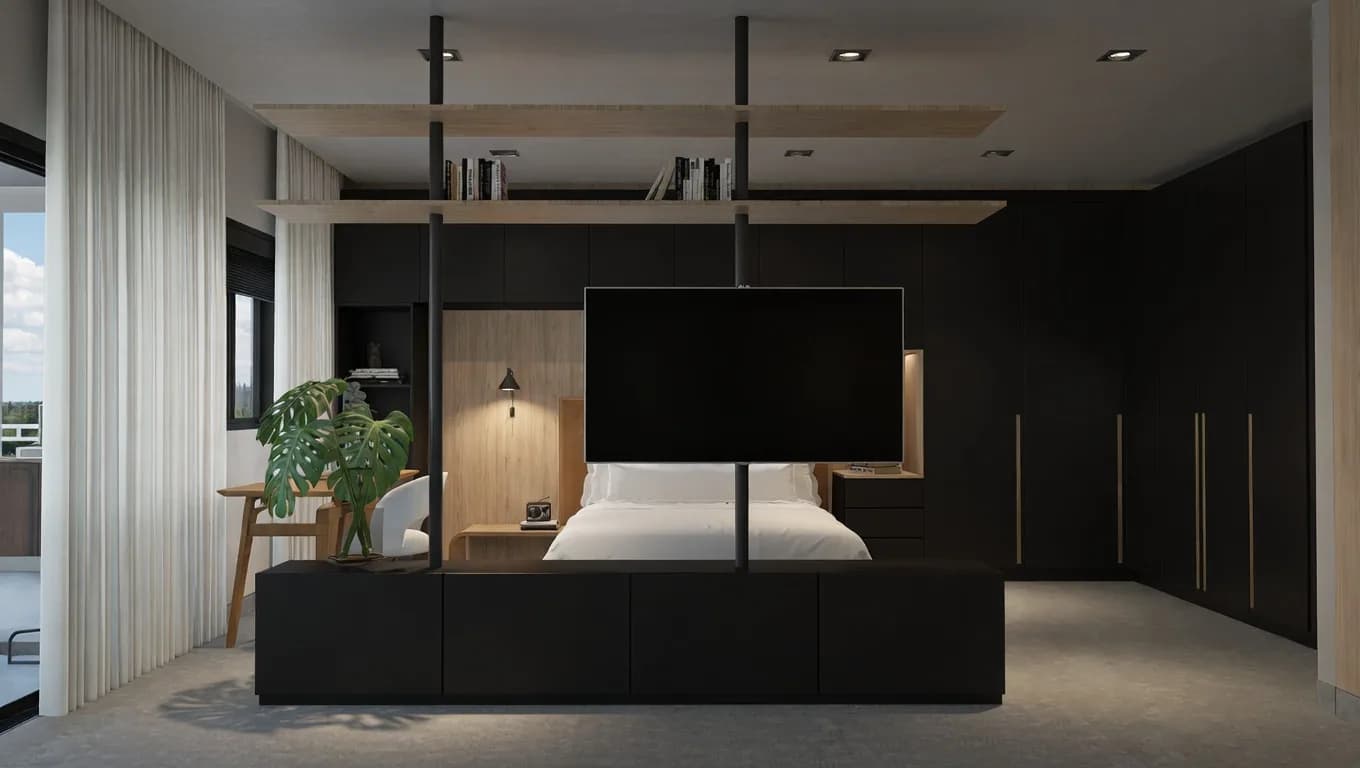
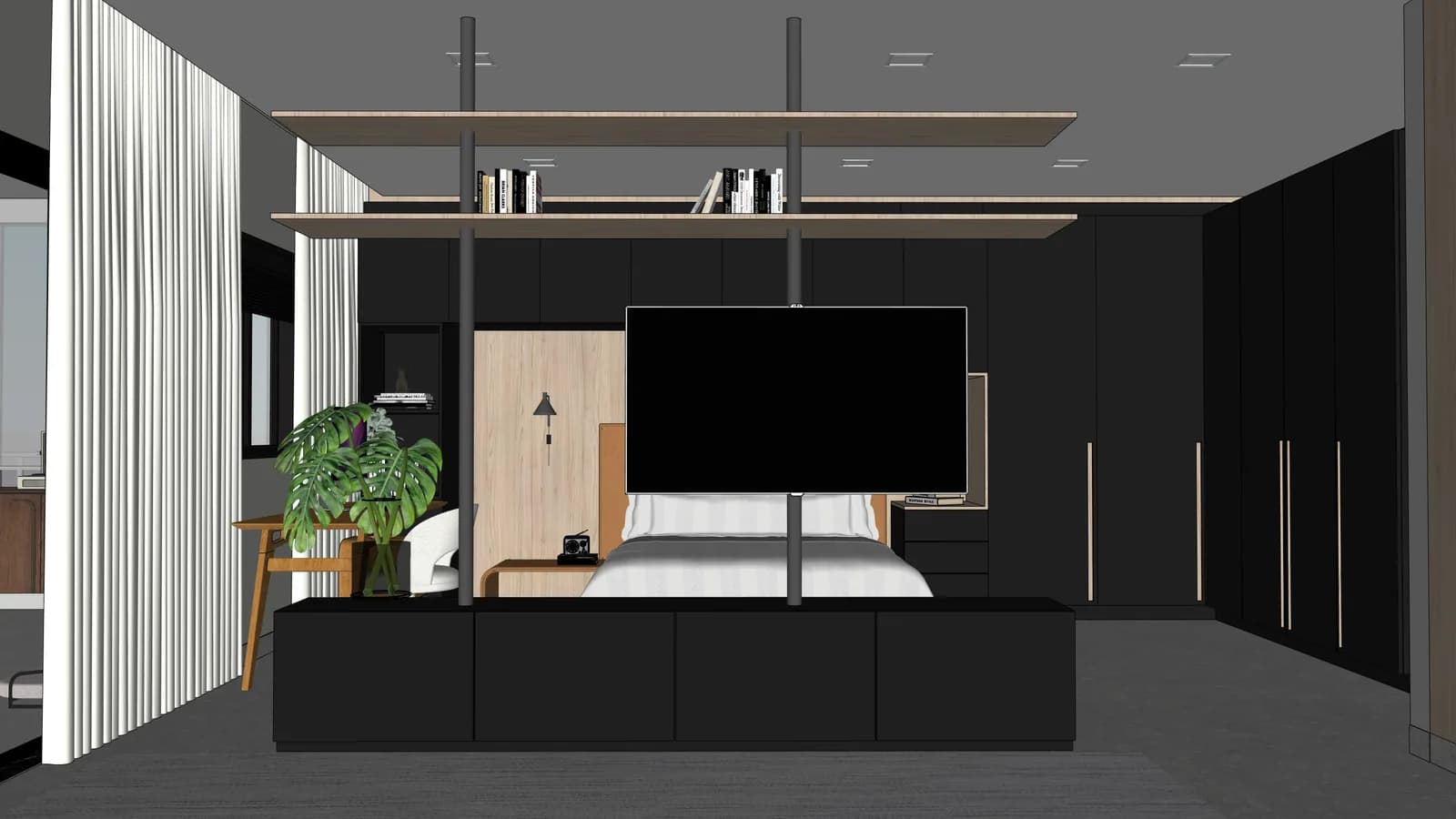
dark palette gains depth while preserving the furniture
Proof to look for
Tests darker palettes, wall panels and furniture depth without changing the intended layout.
drag to reveal
Try a similar scene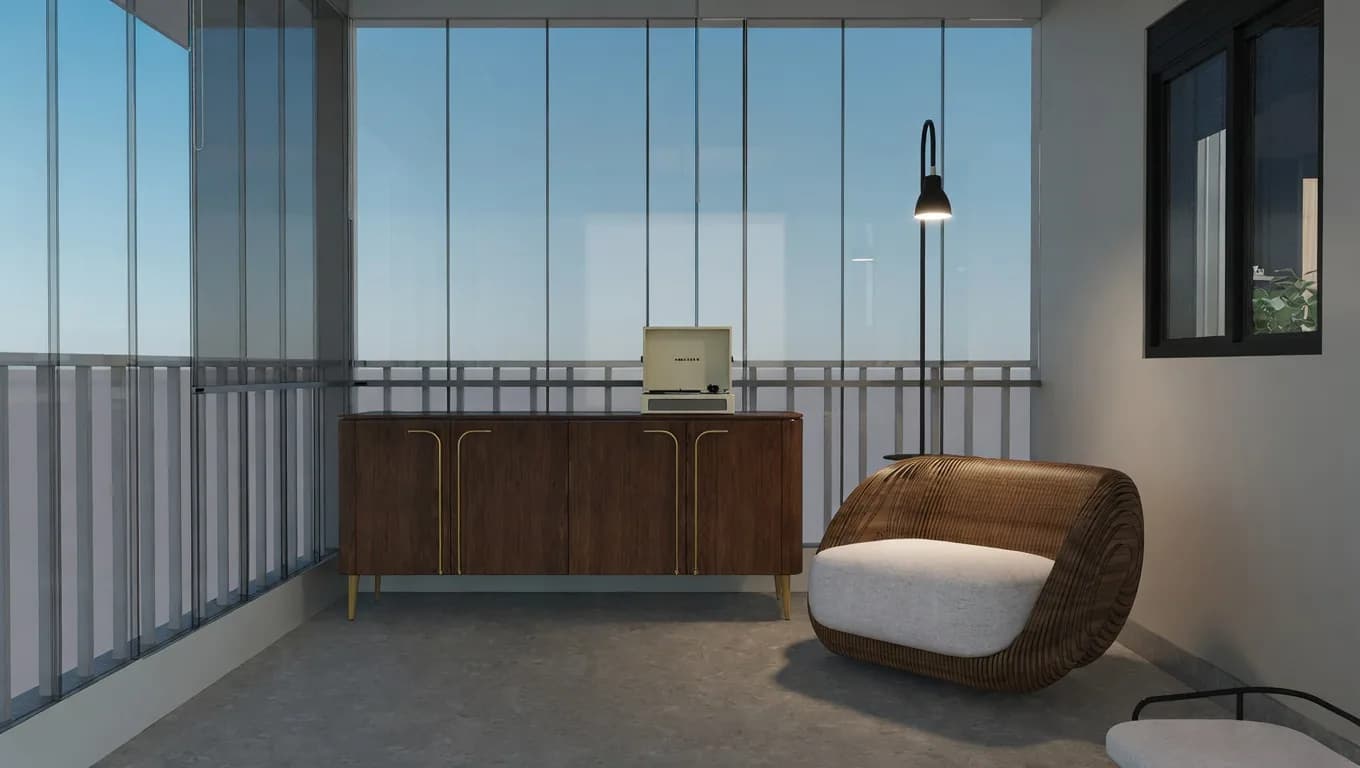
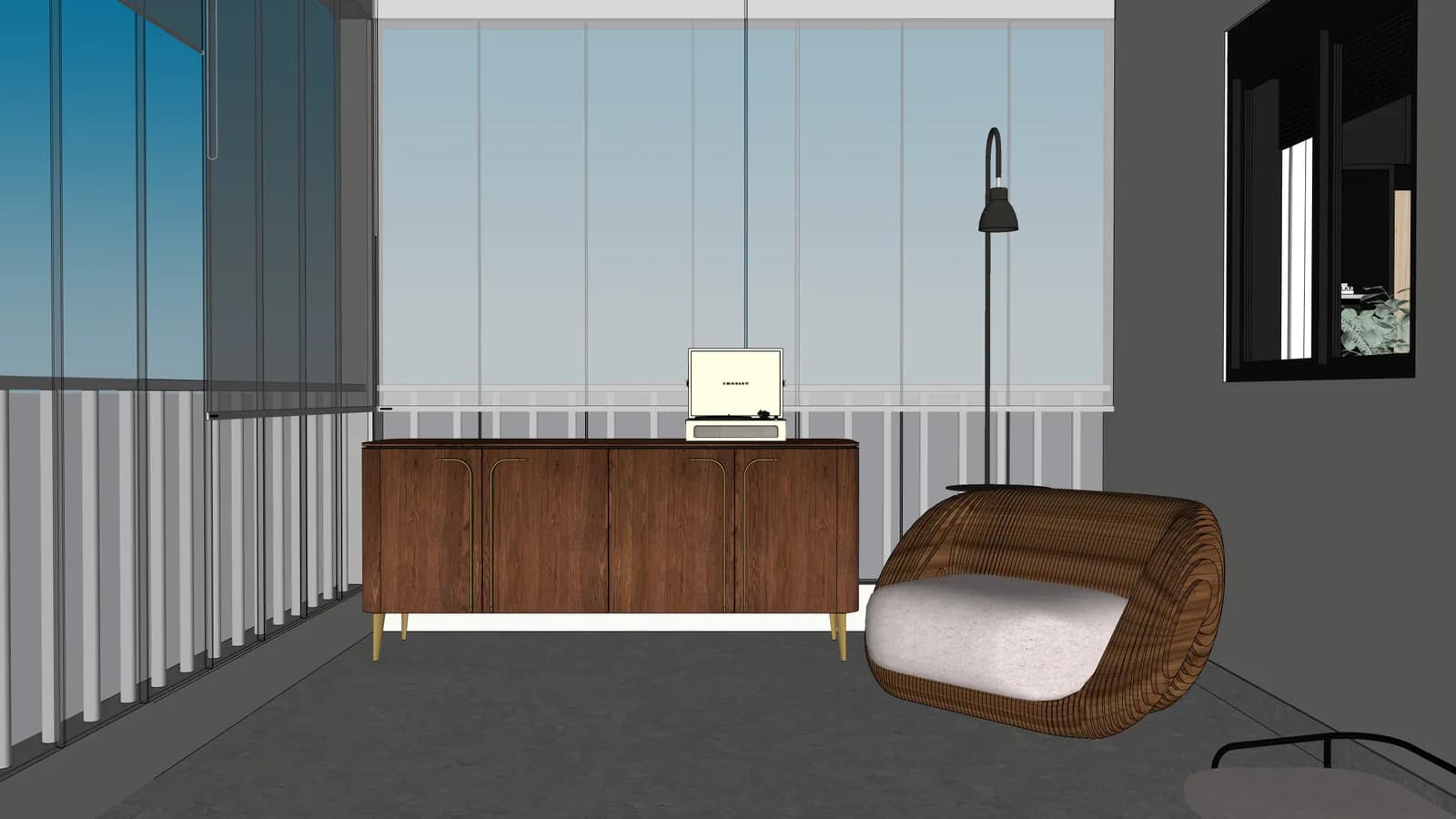
outdoor furniture and glass read as a finished scene
Proof to look for
Proves that glass, outdoor furniture and vegetation can look finished while keeping the same camera and composition.
drag to reveal
Try a similar scene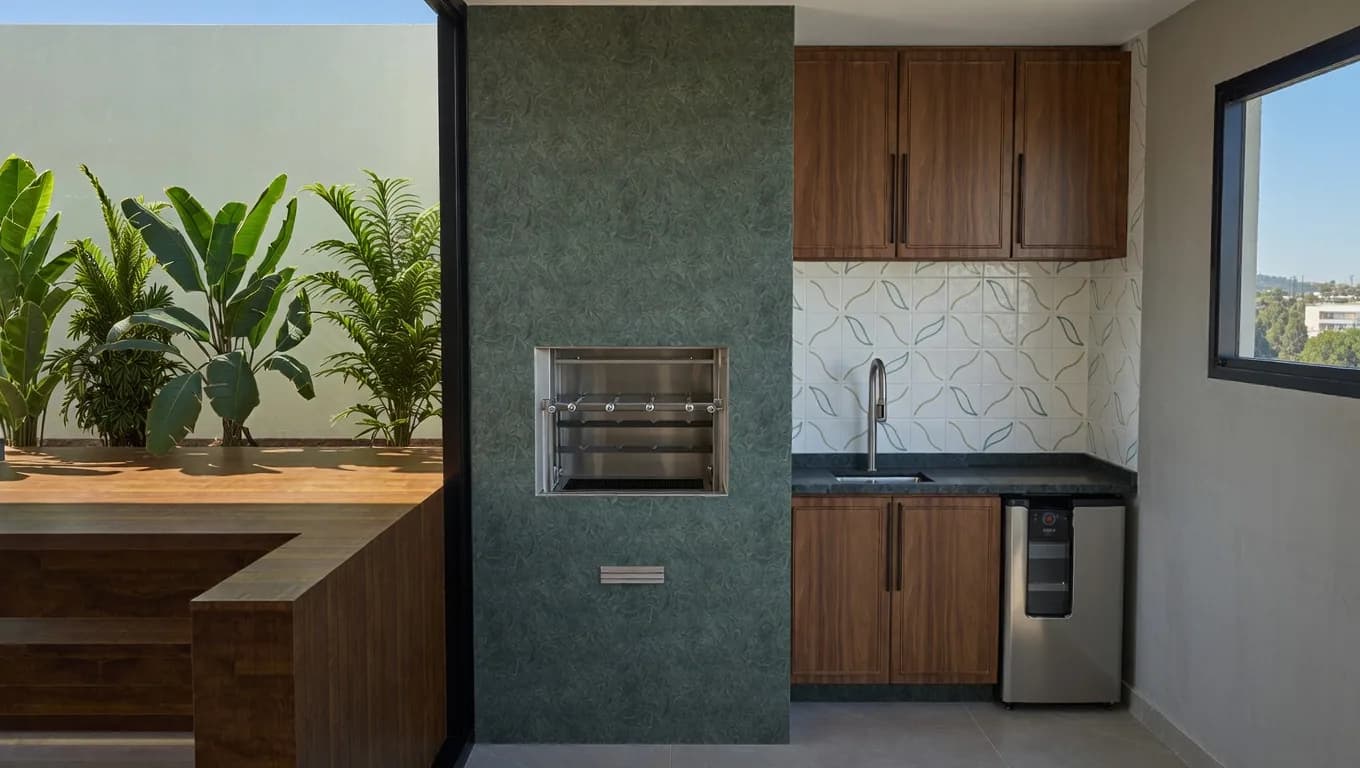
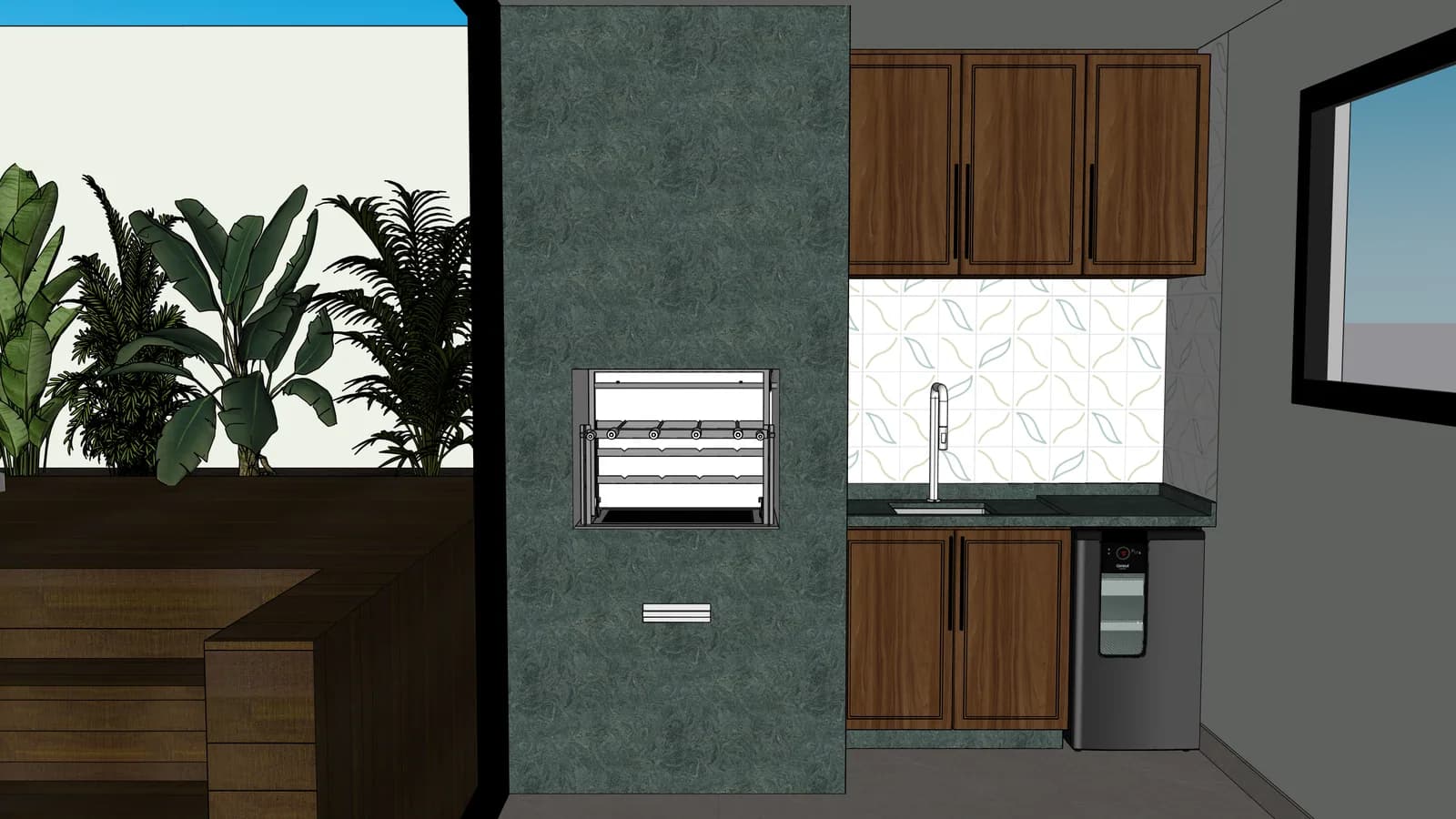
stone, wood and vegetation become more convincing
Proof to look for
Good for checking stone, wood and plant material because the source has mixed textures in a compact view.
drag to reveal
Try a similar scene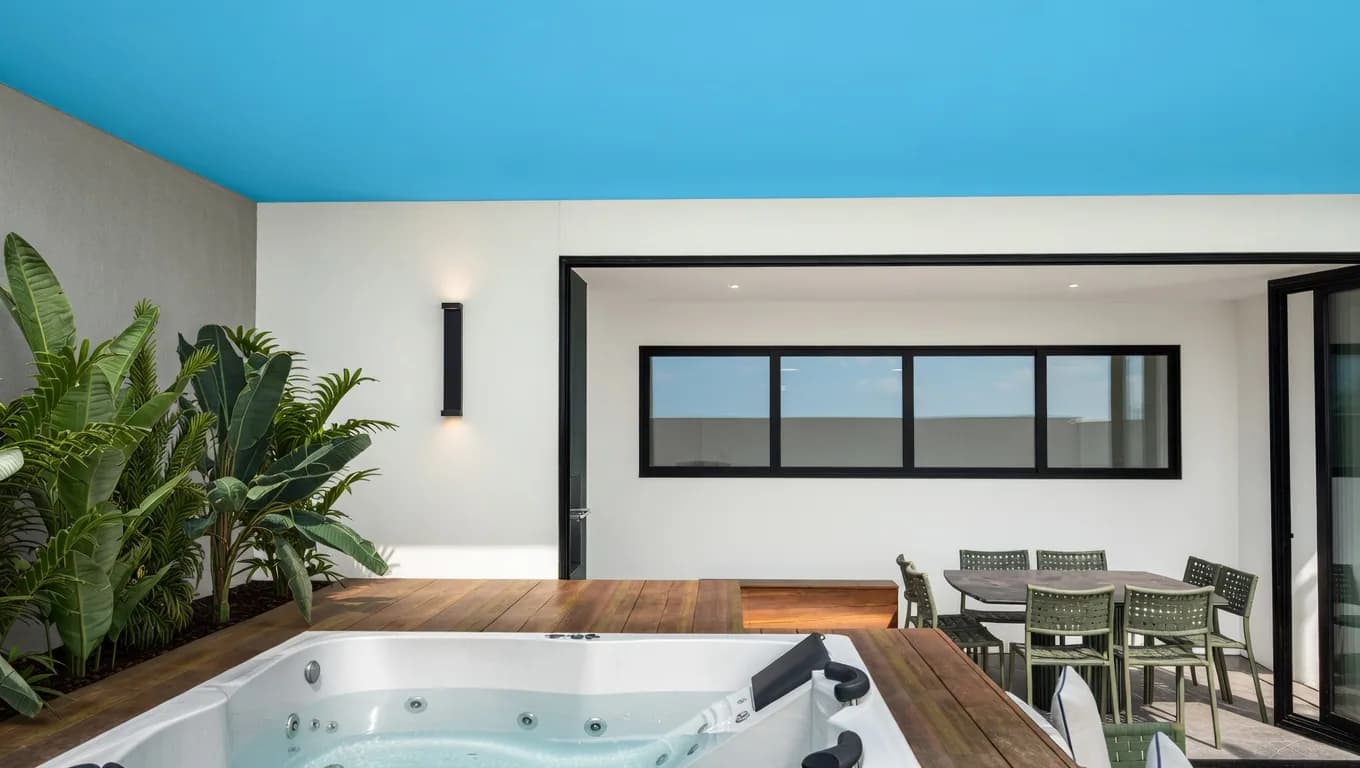
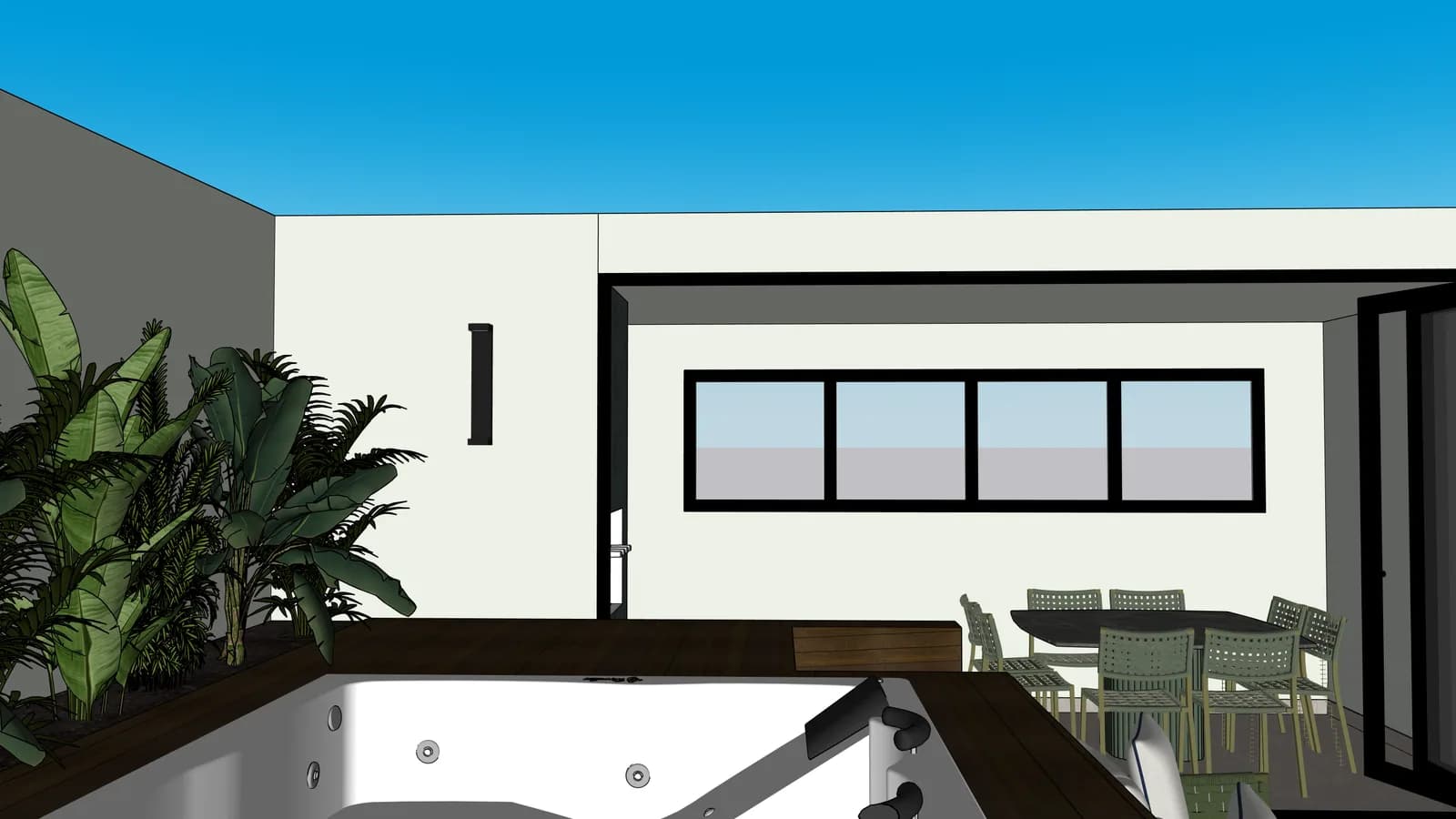
light, water and deck communicate the project value
Proof to look for
Shows how water, deck and exterior light can carry more emotion without turning the project into another proposal.
drag to reveal
Try a similar scene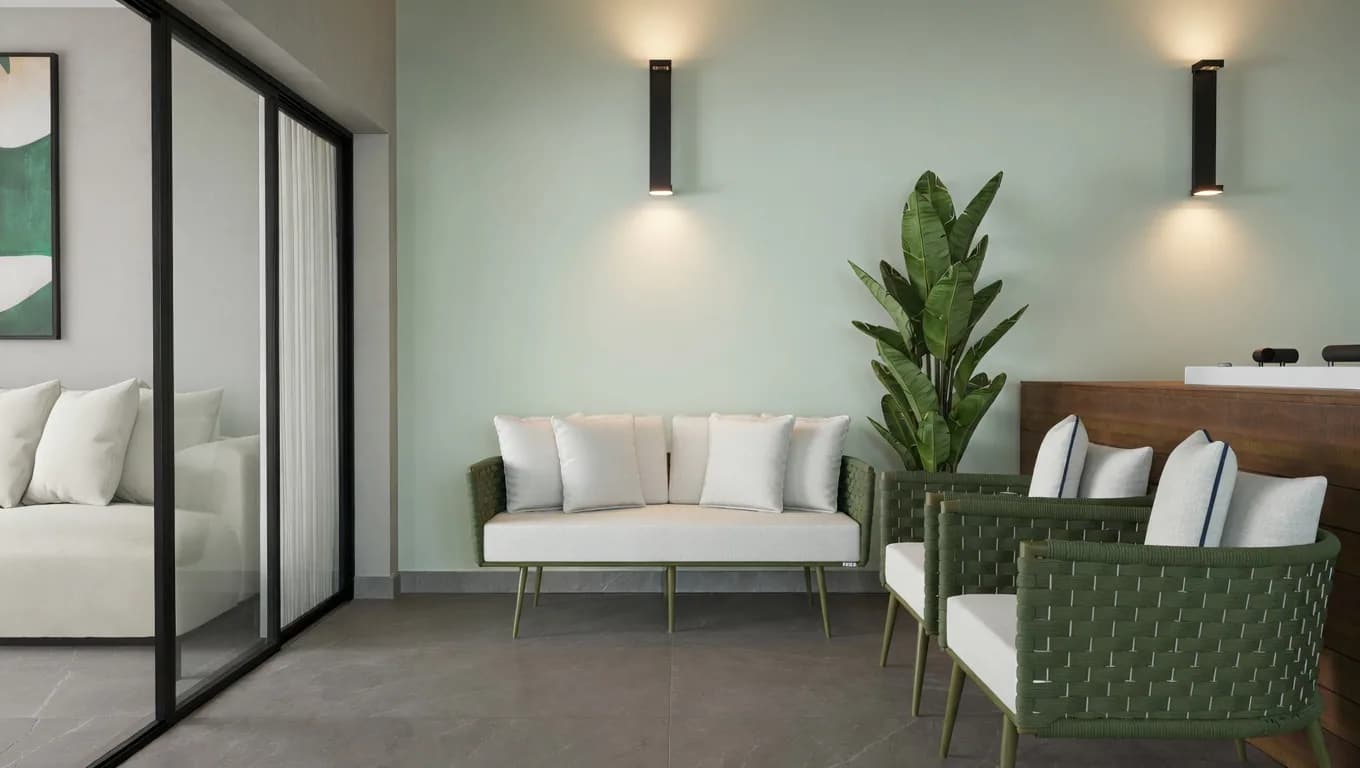
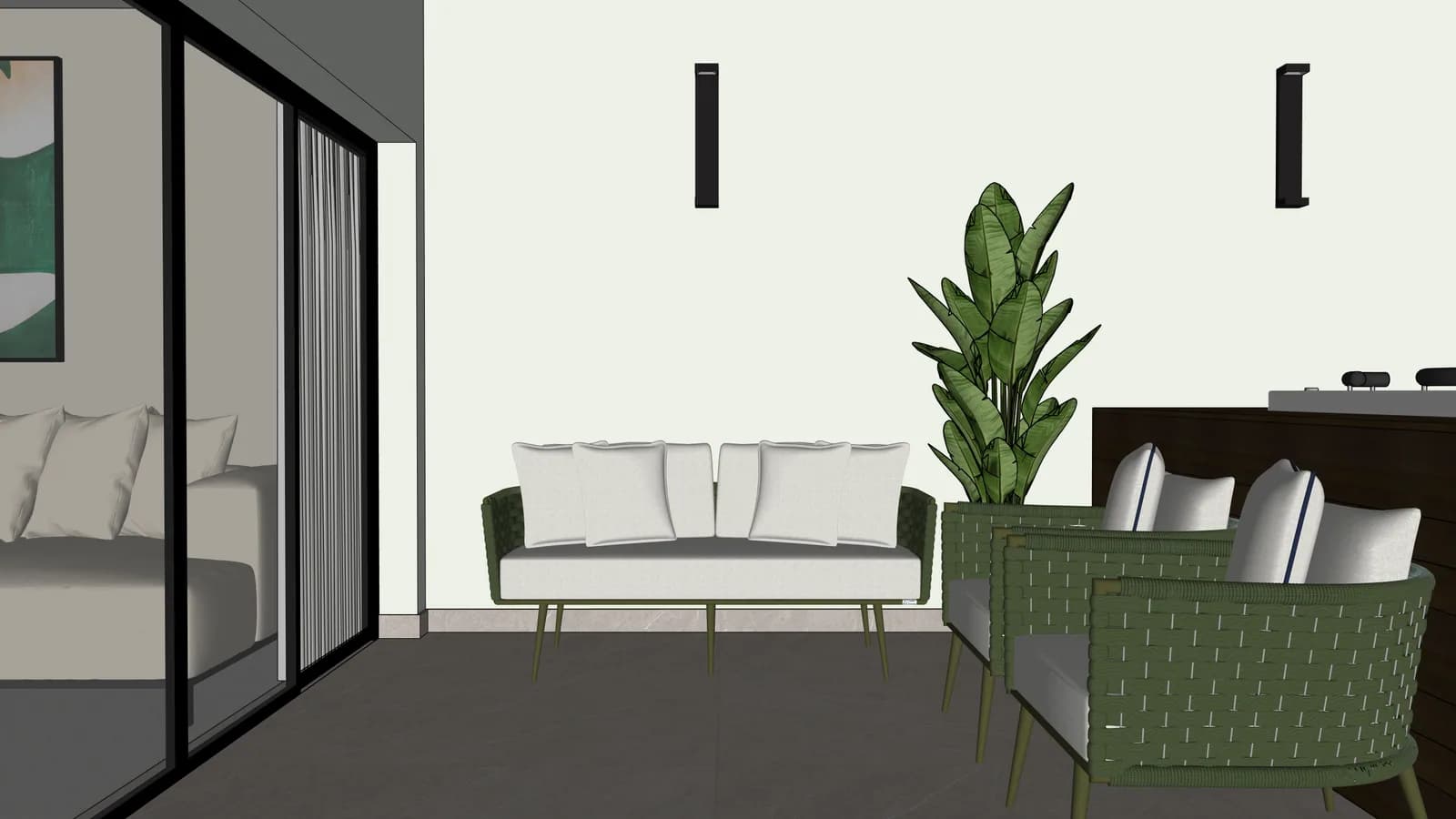
the same furniture gains natural light and atmosphere
Proof to look for
Validates an open social area where furniture, openings and natural light need to stay coherent.
drag to reveal
Try a similar scene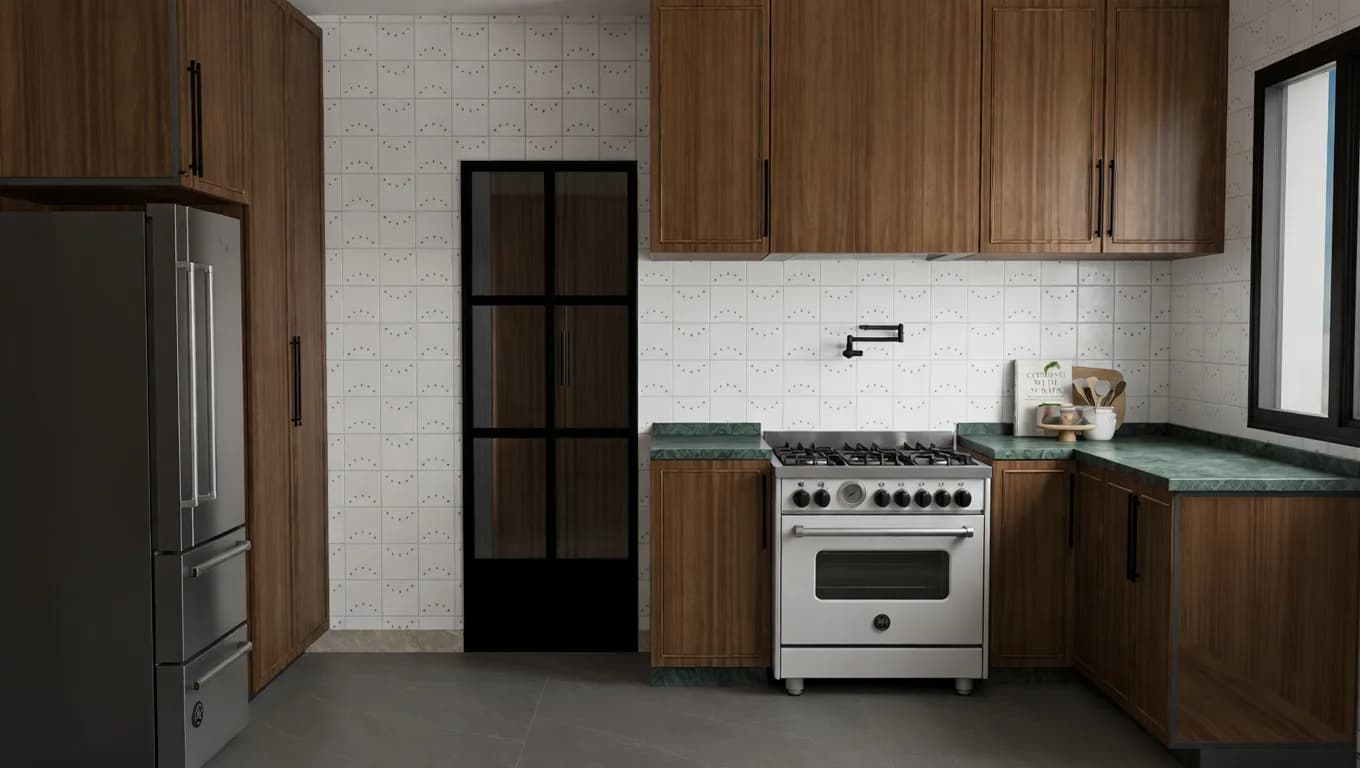
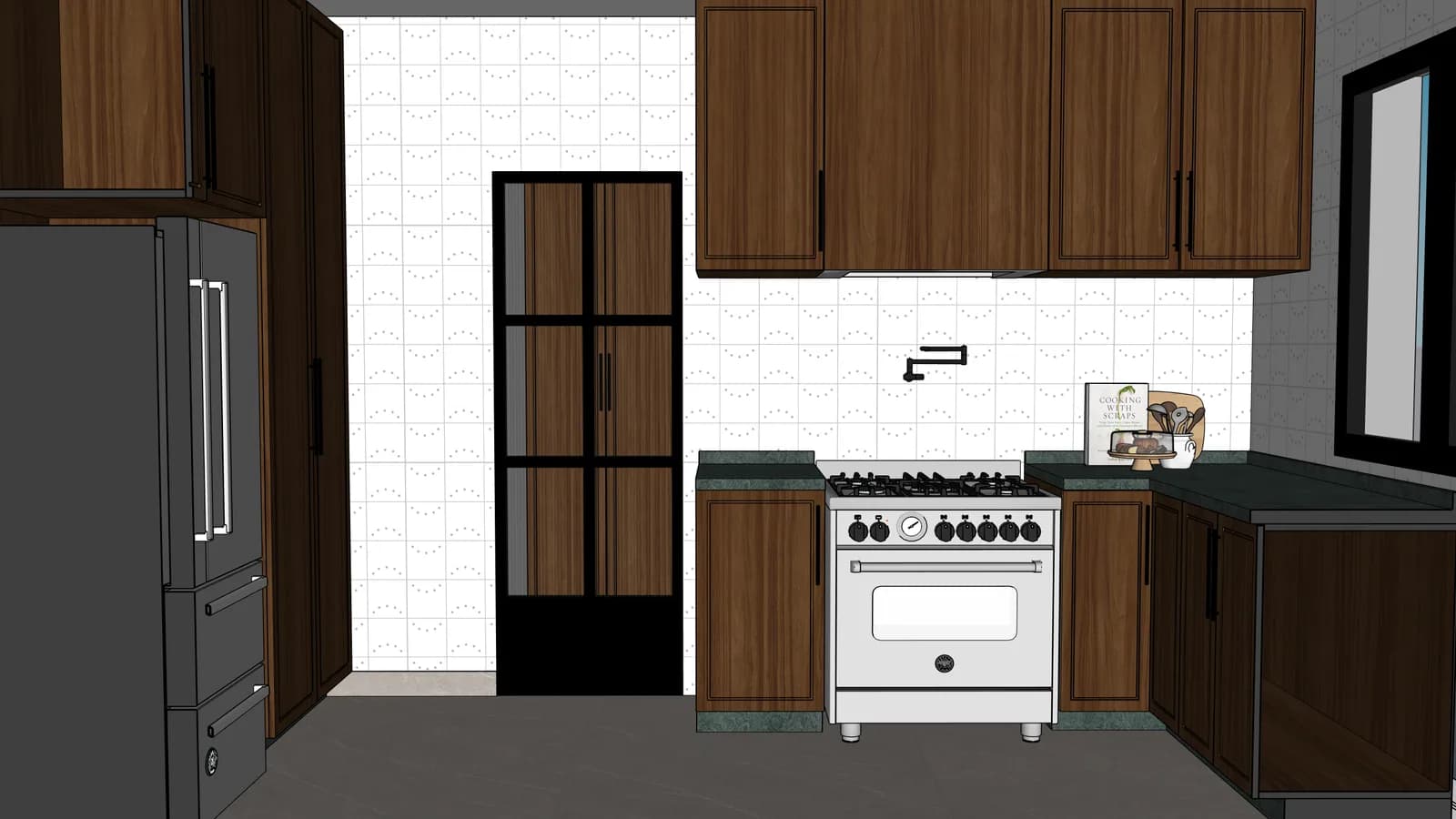
cabinetry and appliances stay in place with richer finishes
Proof to look for
Tests whether cabinetry, appliances and warm finishes remain believable when the technical view becomes a render.
drag to reveal
Try a similar sceneExamples convince, but the real sale happens when an architect sees one of their own scenes preserved and presented better.
Your projects are private by default. You choose what gets published or shared.